Technology · Explainer · · Mirror News Today
Passkeys Explained: Safer Sign-Ins, Smarter Recovery
Passkeys change how accounts verify identity. The real test is whether stronger sign-ins come with a recovery plan people can understand.
Written with AI assistance using the primary sources below. Recommendations are analysis; examples are hypothetical.
Your device proves you can sign in
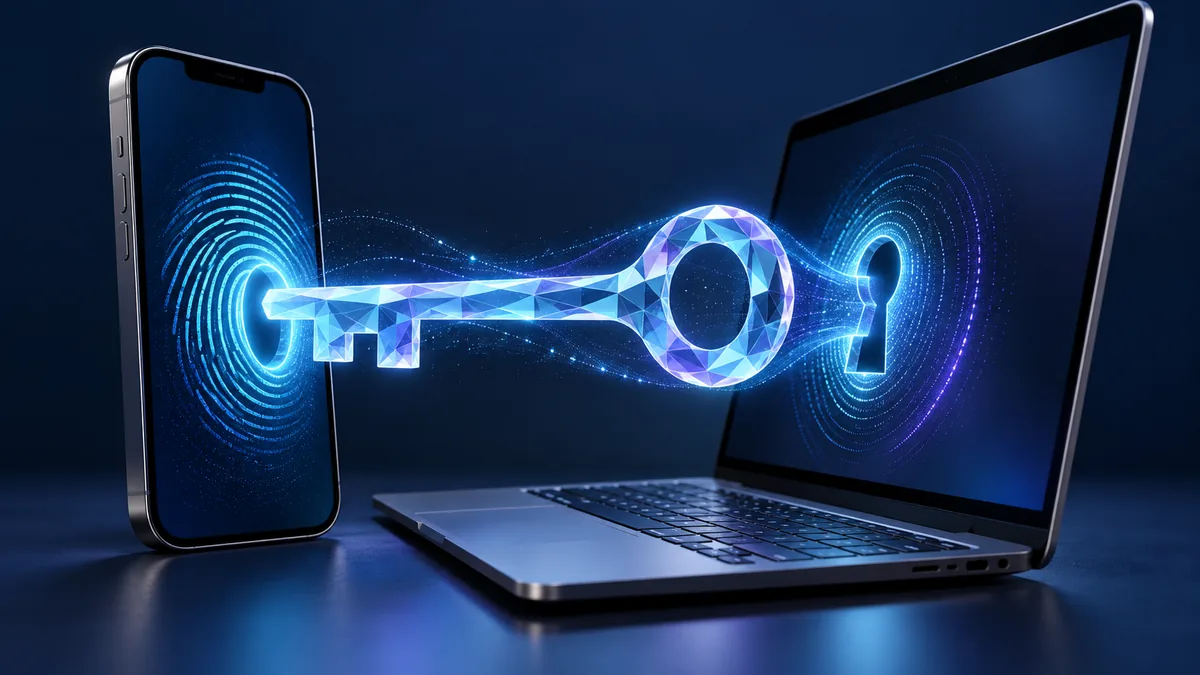
With a passkey, a service asks your device to prove that it holds the right credential. You unlock that credential with a device PIN, fingerprint or another supported local check. The FIDO Alliance describes the underlying credentials as cryptographic key pairs. Your fingerprint stays on your device; the website does not receive it.
A fake login page can trick someone into typing a password. Passkeys are designed to resist that kind of phishing. Other risks remain, including malicious downloads, fraudulent payment requests and weaknesses in account recovery. Changing the sign-in method leaves those parts of account security to manage.
Where the key lives affects recovery
FIDO distinguishes passkeys that sync through a provider from those tied to a particular device, including a hardware security key. That choice affects what happens when a phone breaks or a laptop needs replacing. A workplace with strict access controls may choose a different arrangement from someone signing in at home.
Before switching, find out where the credential is stored, which devices can use it and which account controls synchronization. Check what happens if you cannot access that provider account. Write down the answers before removing an existing recovery method so that a familiar unlock screen does not hide an unfamiliar dependency.
Try the recovery route before you need it
Suppose your phone fails while you are traveling. You need an approved way back into your accounts that you can use under those conditions. A small business faces a similar problem if its only administrator loses the personal device used for access.
Start with one service whose recovery instructions you can read. Register the passkey and test a normal sign-in, then check the approved backup method. Store any recovery codes as the service directs. Changing several important accounts at once makes a lockout harder to untangle.
Check support outcomes during a rollout
Registration counts show adoption, but failed sign-ins and recovery requests can reveal problems those counts miss. Organizations introducing passkeys should also review what happened when users contacted support. These are suggested measures; Mirror has not tested a rollout.
Support instructions should describe the prompt users will see, the provider involved and the authorized recovery route. Explain how a legitimate sign-in differs from a request to disclose a PIN. People need to recognize a normal session before they can spot an unusual one.
Before moving an important account
Passkeys can strengthen sign-in security. Choose a setup whose storage and recovery arrangements you understand, and resolve unclear recovery instructions before using it for an account you cannot afford to lose.
Main points
- Passkeys replace a reusable password with cryptographic authentication.
- Recovery and device security still matter after a password disappears.
- A small, reversible trial is more useful than switching every account at once.
Common questions
How is a passkey different from a saved password?
A password manager can save a password for you to submit. A passkey instead proves possession of a cryptographic credential.
Do I need to use a fingerprint?
Supported devices can use a PIN or another local unlock method. Your options depend on the device and service.
Will I still need account recovery?
Yes. Plan for losing a device or changing the provider that stores your passkeys.